
How to Make Money with Canva: 14 Beginner-Friendly Ideas
Canva is a free design tool that works in your browser, and it is one of the friendliest ways to start earning from simple design. You do not need art training or expensive software. With ready made layouts, fonts, and photos built in, a complete beginner can produce clean, professional looking designs in an afternoon and sell them online or offer them as a service.
The ideas below fall into two simple groups: digital products you design once and sell many times, and small design services for people who are too busy to do it themselves. Start with one idea, finish a small sample, and list it or show it to your first potential customer. Simple, tidy work sells far better than complicated designs, so keep every piece clean and easy to use.
1. Printable Wall Art for Etsy
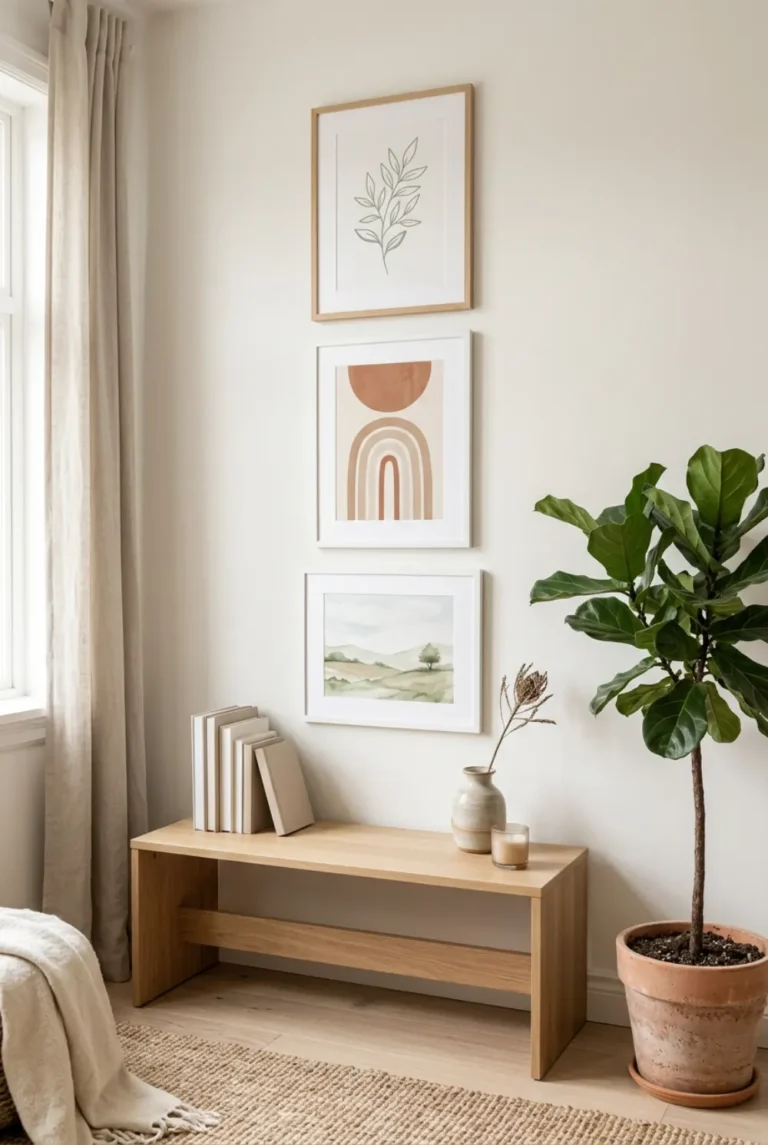
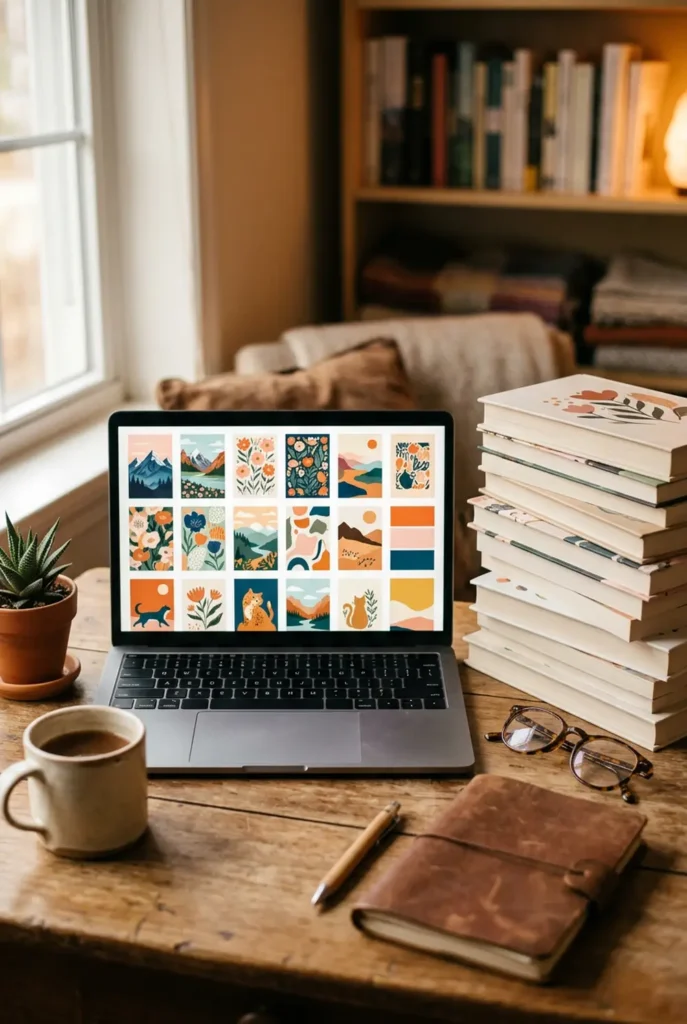
Wall art is one of the easiest first products because the buyer downloads the file and prints it at home or at a print shop. You design a quote, a simple illustration, or a soft watercolour style print in Canva, then export several sizes in one folder. Nursery prints, kitchen sayings, and calm bedroom quotes are steady sellers. Include a short printing guide so buyers feel confident.

2. Social Media Template Packs
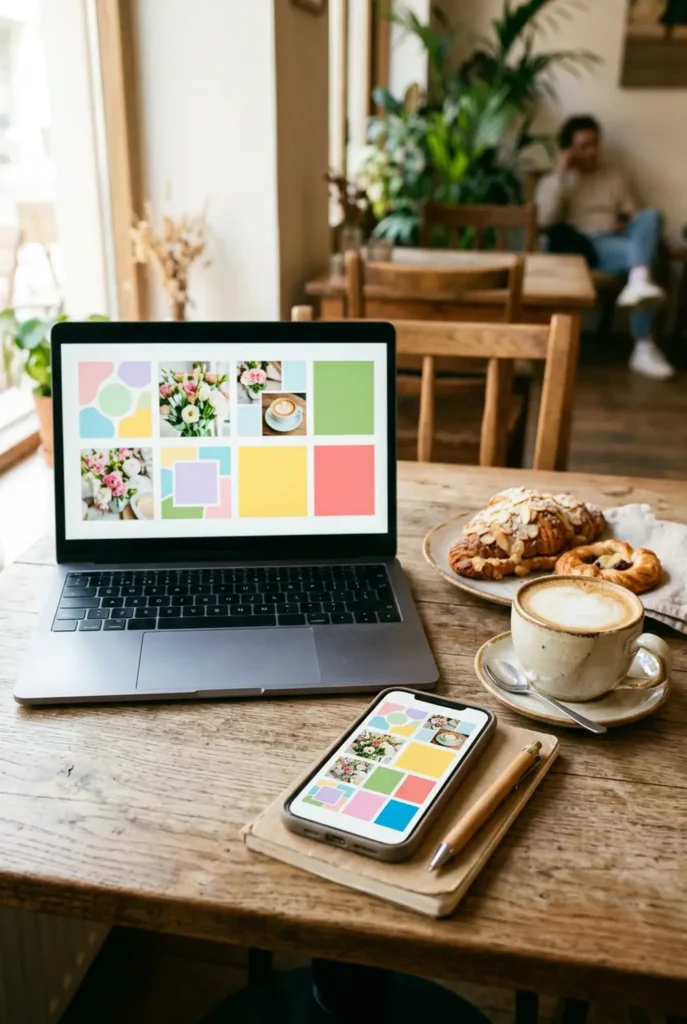
Small businesses know they should post often, but most run out of ideas and time. A pack of ready made Canva templates solves that: they type in their own words and photos and post in minutes. Make packs for one kind of business at a time, like salons, cafes, or real estate agents. Include post, story, and sale announcement designs so the pack feels complete and genuinely useful.
3. Wedding Invitation Templates
Couples spend a lot on weddings, and printable invitations are a popular way to save money without losing the pretty look. You design an invitation, RSVP card, and thank you card as one matching set in Canva, and buyers edit the names, date, and venue themselves. Offer a few styles, like classic floral, modern minimal, and rustic. Clear editing instructions make nervous buyers feel safe. A matching menu or place card design is an easy extra you can add to the set later.

4. Planner and Journal Templates
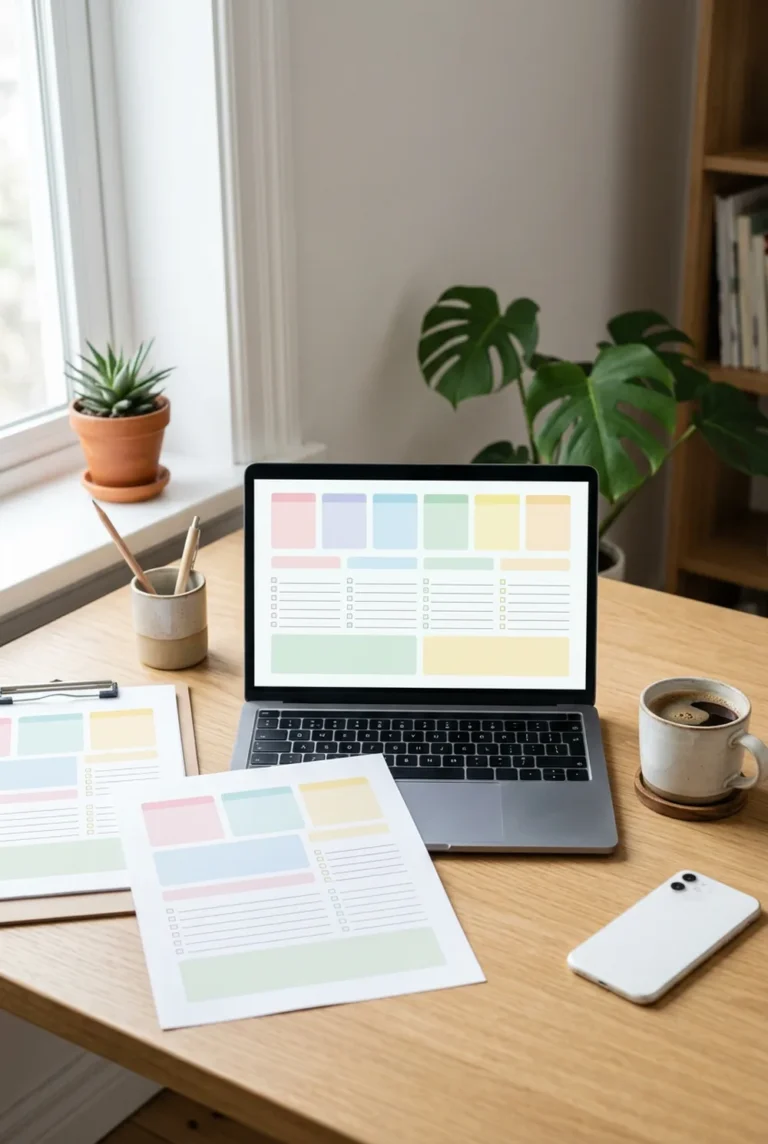
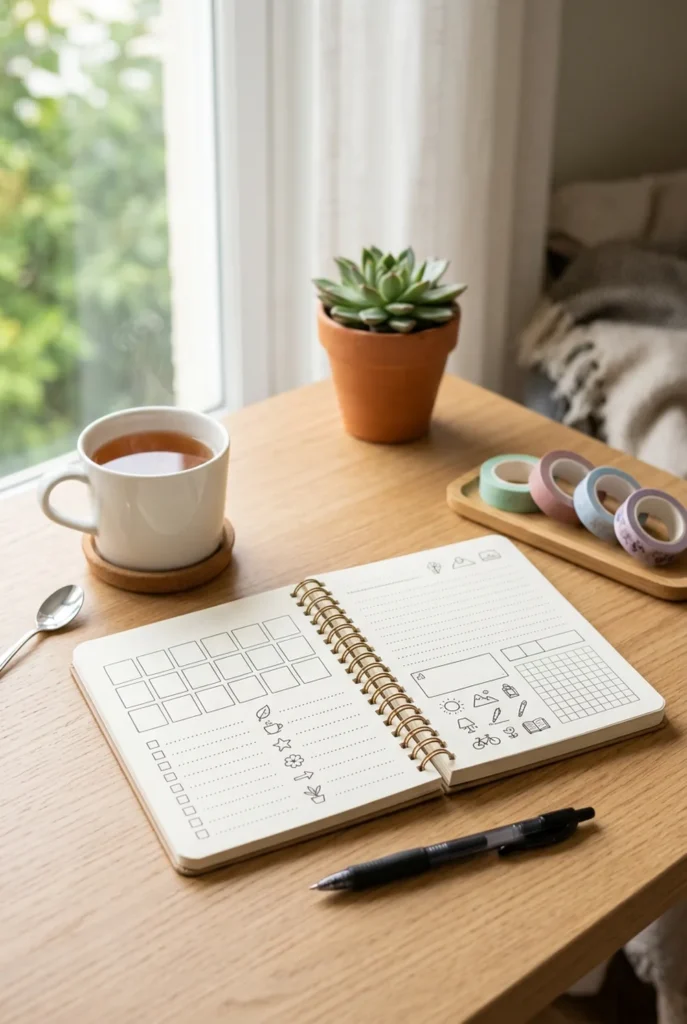
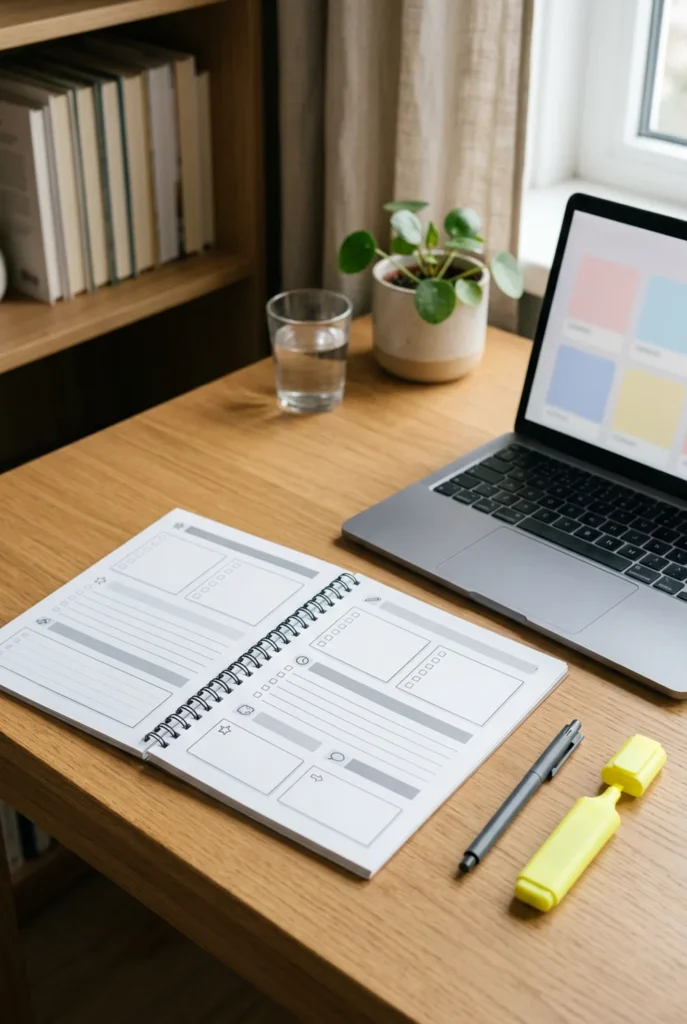
Many people still love planning on paper, and printable planners are a steady digital product. Design weekly planners, budget trackers, meal planners, or gratitude journals with clean pages and plenty of writing space. You make the pages once in Canva and sell the file again and again. Bundle several page types together, and include both letter and A4 sizes so buyers in any country can print easily.
5. Ebook Cover Design
Self published authors need covers that look professional, but many cannot afford a full time designer for their first book. With Canva you can offer simple, clean ebook covers using strong fonts and good stock photos. Show a few sample covers in different genres, like romance, business, and cookbooks, so authors can picture their book. Deliver the finished cover file, ready to upload to their publishing platform.
6. Presentation Templates
Teachers, coaches, students, and small business owners all give talks, and most dread building slides from a blank page. A polished Canva presentation template gives them a full set of matching slides they simply fill in. Design title slides, bullet slides, photo slides, and closing slides in one calm style. Sell the pack as a template link, and make a second colour version to widen your shop.

7. Business Cards and Logo Packs
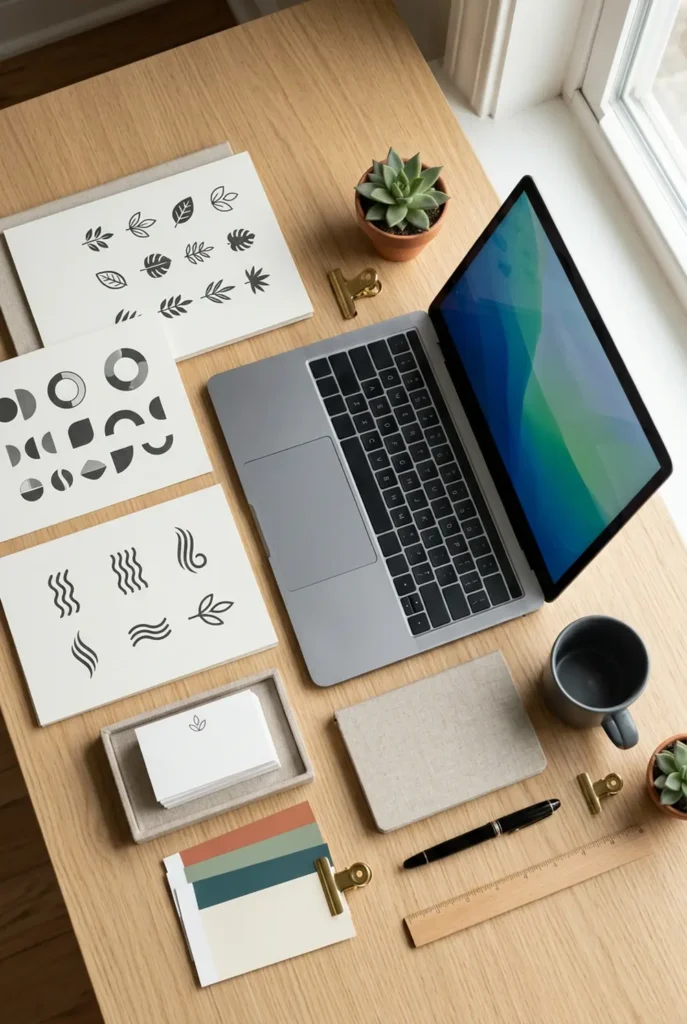
Every new business needs a logo and cards, and beginners often want something tidy today rather than a big branding project. A Canva pack with several logo options, matching business cards, and a simple colour palette gives them a complete starter kit. Aim at one trade at a time, like bakers, cleaners, or dog groomers, so the designs feel personal. Include easy instructions for changing names and colours.
8. T-Shirt and Merch Designs
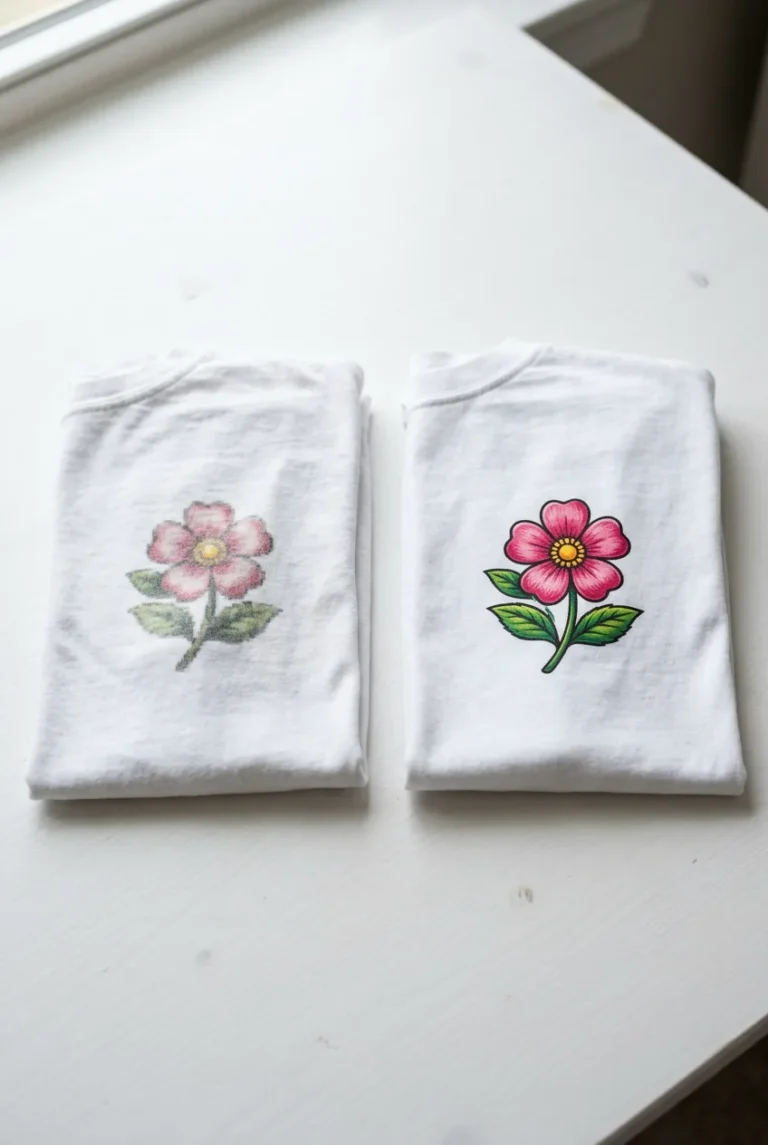
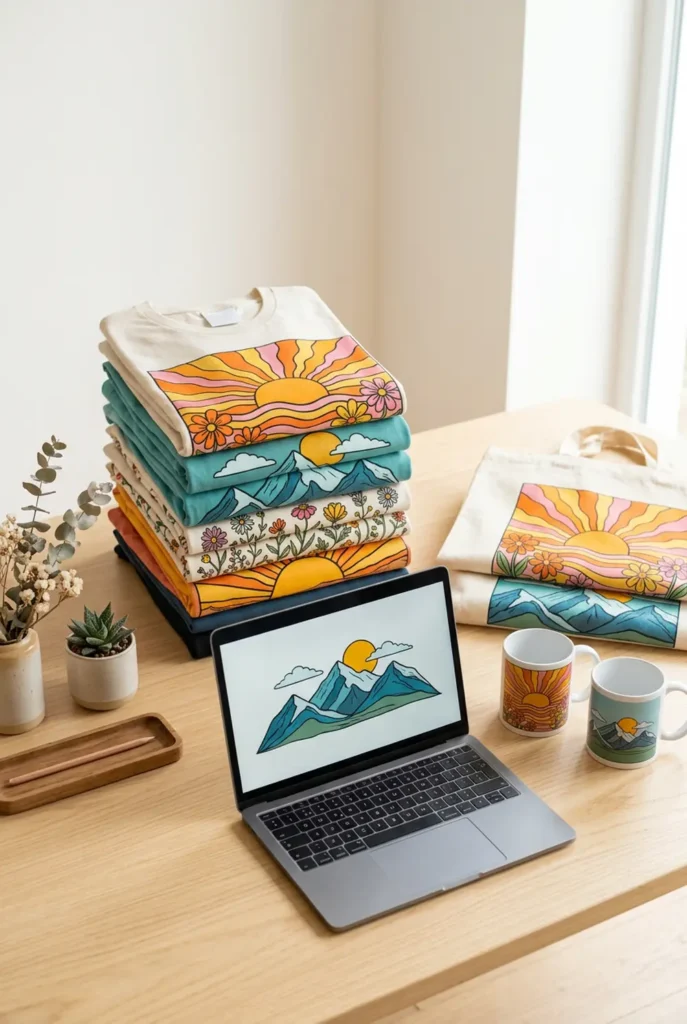
Print on demand sites let you sell shirts, mugs, and tote bags without buying stock or a printer. You create the design in Canva, upload it, and the company prints and ships each order while you keep a margin. Simple text designs with a funny or heartfelt phrase are the easiest place to start. Keep fonts bold and readable, check the print preview carefully, and begin with one clear niche.
9. Workbooks and Worksheets for Coaches
Coaches, therapists, and course creators love giving clients something useful to work through between sessions. A Canva workbook with reflection questions, trackers, and calm, well spaced pages makes their programme feel professional. You can sell ready made workbook templates, or offer to format a coach’s own words into a tidy workbook. This is a friendly service niche, because coaches often publish new programmes several times a year.
10. Party Invitations and Printable Games
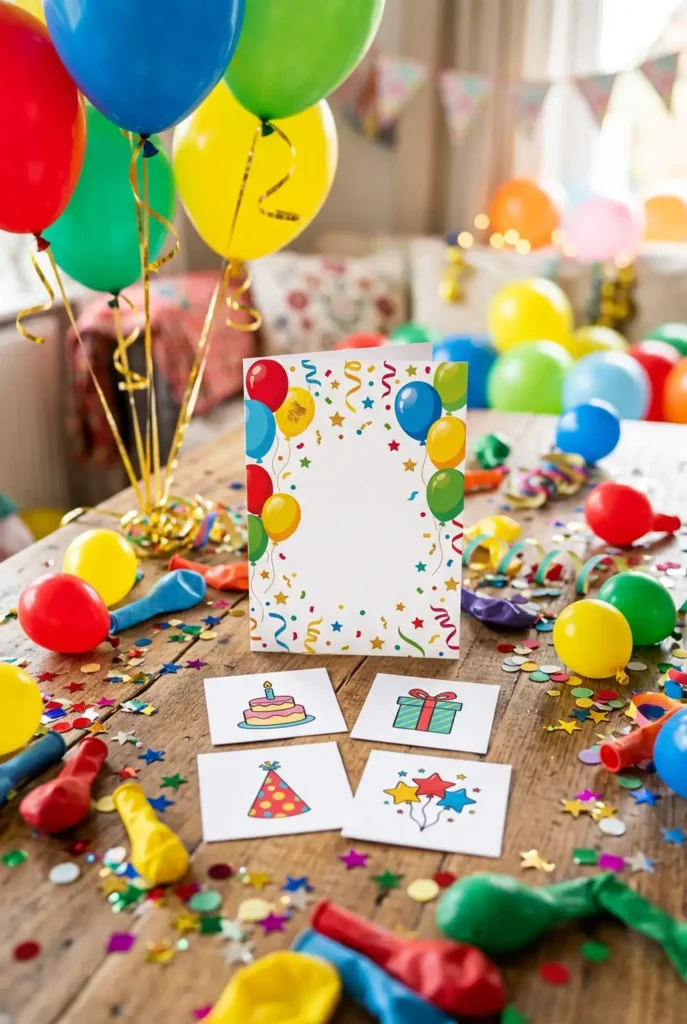
Birthdays, baby showers, and family gatherings all need invitations, and hosts love games that keep guests laughing. In Canva you can design a matching set: invitation, thank you card, and a few printable games like bingo or trivia. Buyers download, edit the details, and print at home. Seasonal sets for Christmas, Halloween, and first birthdays are especially popular, and one design can be recoloured into several listings.
11. Resume Templates
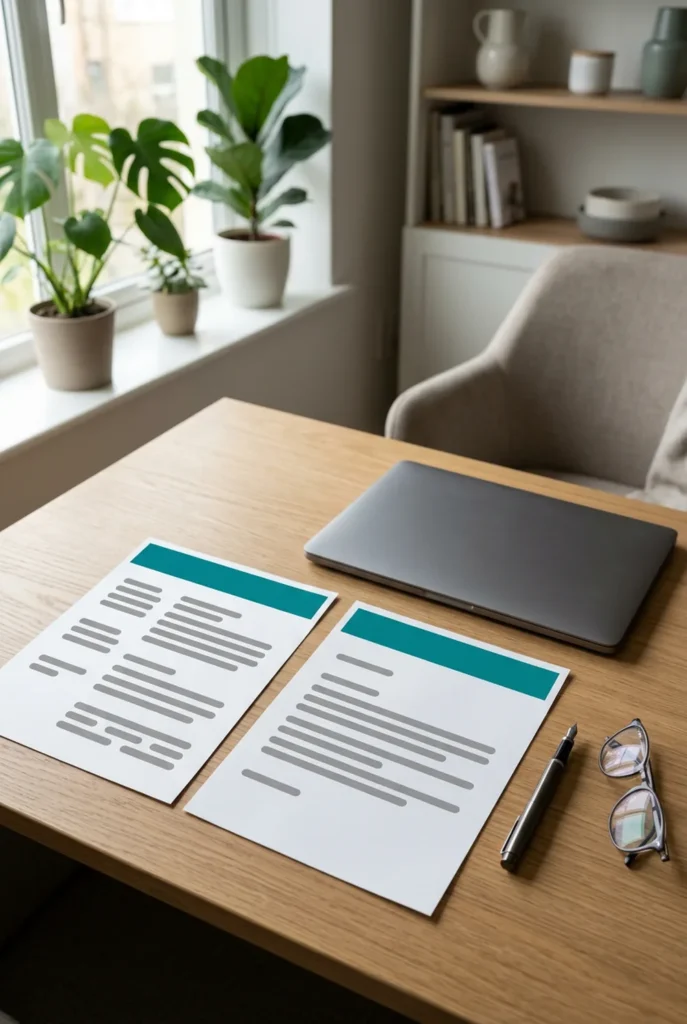
Job hunters want a resume that looks clean and modern, and many struggle to format one themselves. A Canva resume template pack with a matching cover letter gives them a head start. Design for a few clear job types, like office work, retail, nursing, or trades, with simple layouts that print well in black and white too. Add short instructions for editing and exporting as a PDF.
12. YouTube Thumbnail Design Service
Video creators know a strong thumbnail decides whether anyone clicks, but many creators hate designing them. Offer a simple service: a set number of bold thumbnails each week, made in Canva with big readable words and a clear face or object. Start by making sample thumbnails for imaginary videos to show your style. Creators who post often need this help every single week, which makes it steady repeat work.

13. Instagram Content Service for Local Businesses
Many local shops, salons, and cafes have quiet Instagram pages simply because the owner is busy serving customers. Offer a monthly package: a set of posts and stories designed in Canva, using their photos, colours, and offers. You can start with one business on your own street and show before and after examples of the page. Owners happily pay for one less job on their list.

14. Colouring Pages and Kids Activity Books
Parents and teachers are always hunting for quiet, screen free activities, and printable colouring pages are simple to make. In Canva you can build pages with bold outlines of animals, vehicles, seasons, and celebrations, plus mazes and tracing sheets. Bundle twenty or thirty pages into one activity book file for a better value listing. Keep lines thick and clean so young children can colour inside them happily.

Conclusion
Fourteen ideas is plenty, so pick just one that matches the time and skills you already have. Make one small finished sample, list it or show it to a real person, and improve from there. Canva makes the design part simple, but your care, clear instructions, and tidy presentation are what buyers actually pay for. A small product finished today beats a big plan that never leaves your notebook. Start small, be honest about what you are selling, and answer buyers kindly and quickly.
If you like the idea of selling digital products on Etsy, grab the free Etsy start guide at sidehustleautopilot.com. It walks you through opening a shop and creating your first listing in plain, simple steps, and many of the ideas above, like wall art, planners, and templates, are perfect first products for a brand new shop. It costs nothing to read, and it shows you the exact first steps, so you can begin this week with one simple product and learn as you go.