
17 Tech Side Hustles That Pay Beginners Real Money
You do not need a computer science degree to earn money with tech. Plenty of people pay for simple digital help: a tidy website, a fixed spreadsheet, a working smart speaker, or someone patient to explain a phone setting. If you are the person friends already call when something will not load, you likely have a head start. Those everyday skills are worth real money to busy people who would rather pay than wrestle with confusing settings.
This list collects beginner friendly tech side hustles built on light skills you can learn from free videos and practice projects. None of them promise easy money. Pay varies with your skill, your clients, and your area, and every idea takes real learning first. Most need only a laptop, a phone, and a few evenings of focused learning before you can offer them to a first client. Pick one, practise on a small project, and grow from there.
1. WordPress Websites for Local Businesses
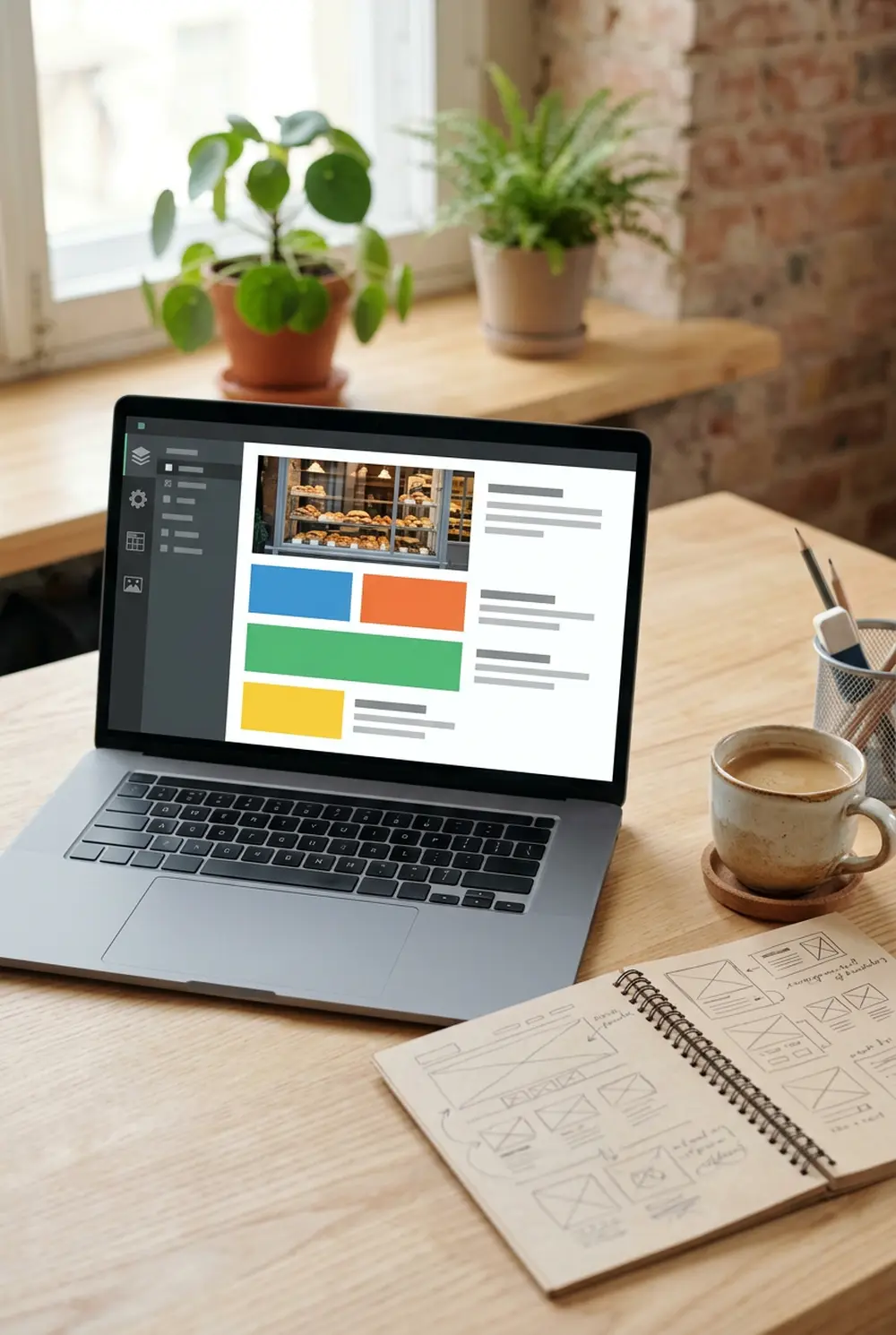
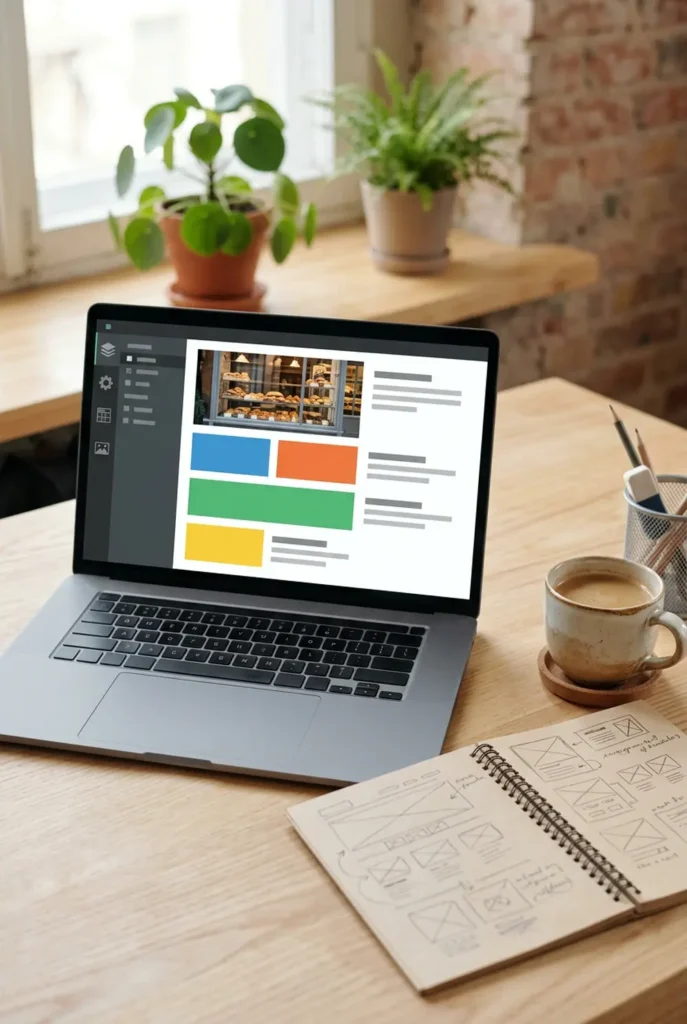
Cafes, tradespeople, and small shops often need a simple website but cannot afford a big agency. You can build clean, tidy sites with WordPress and a ready made theme, no coding required. Learn the basics first: pages, menus, contact forms, and mobile layout. Practise by rebuilding a pretend business site, then offer a small starter package to one local shop and improve with each project.
2. App and Website Testing Gigs
Companies pay everyday people to try apps and websites and talk through what confuses them. Testing platforms send you tasks like booking a fake ticket or finding a product, and you record your screen and voice while you work. You need a laptop, a microphone, and clear spoken thoughts. Sign up with a few testing sites, pass the practice test, and keep your profile updated for more invites. Clear audio and honest feedback are what get you invited back.

3. No-Code Website Fixes and Updates
Many small websites sit untouched because the owner is scared of breaking something. You can earn by doing the small jobs: updating text and photos, fixing broken links, adding a booking button, or refreshing a menu. Learn one platform well, such as WordPress, Wix, or Squarespace, and always back up the site before touching anything. Small, careful, reliable help wins repeat work from busy owners.

4. Spreadsheet Cleanup and Simple Automations
Messy spreadsheets quietly eat hours in small businesses. You can tidy contact lists, remove duplicates, sort records, and build simple formulas that add, count, and summarise automatically. Start by mastering sorting, filters, and a handful of formulas in Excel or Google Sheets, then learn one automation trick like a mail merge. Show before and after examples, because owners instantly understand the time you save them.

5. Friendly Tech Support for Seniors
Many older adults happily pay for patient, in person help with phones, tablets, email, and video calls with family. The skill here is kindness plus clear, slow explanations, not deep technical knowledge. Offer simple sessions: setting up a new phone, enlarging text, adding contacts, or learning photo sharing. Write down each step in large print for them to keep. Word of mouth in this niche is powerful.

6. Smart Home Setup Help
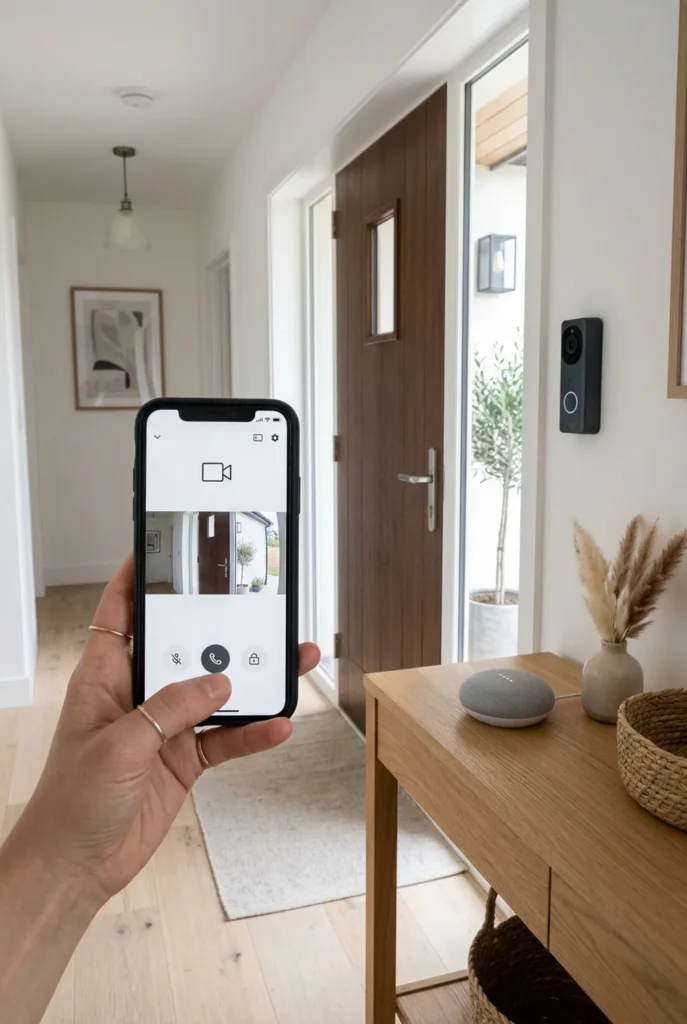
Smart speakers, video doorbells, and app controlled lights are popular gifts, but plenty of buyers never finish setting them up. You can install and connect devices, link them to Wi-Fi, and teach the owner the basic voice commands before you leave. Learn the main systems at home first, like Alexa, Google Home, and common doorbell brands. A calm, tidy setup visit makes a lovely housewarming service.
7. Data Entry Cleanup for Small Businesses
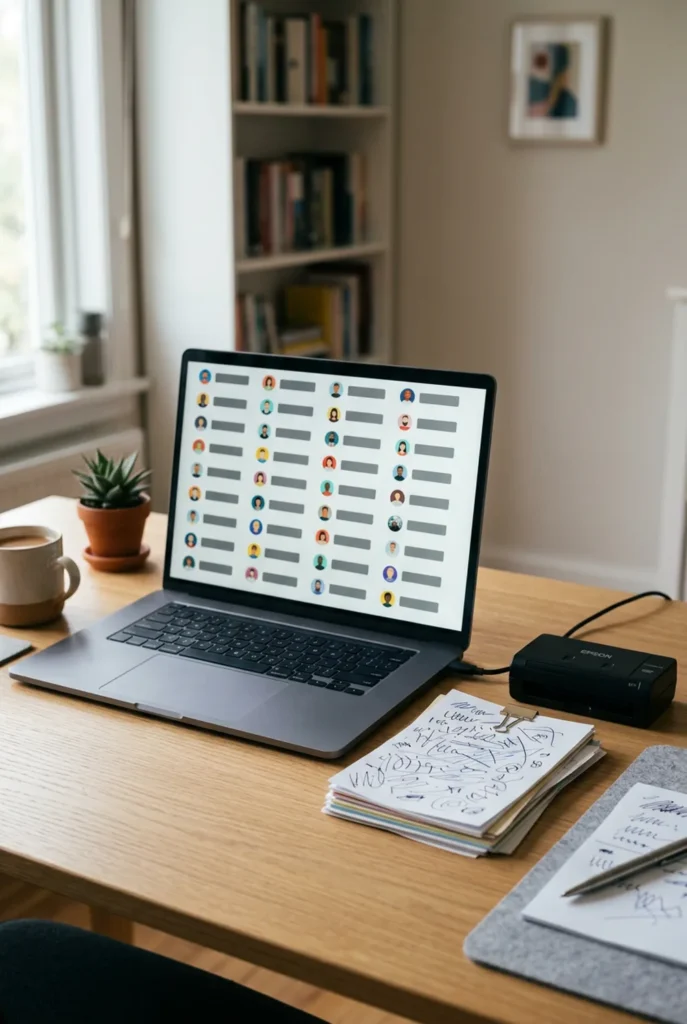
Businesses collect messy lists: customer emails in notebooks, old invoices in folders, contacts scattered across phones. You can turn that chaos into one clean, searchable file. The work needs accuracy and patience more than advanced skill. Learn fast, careful typing, spreadsheet basics, and how to spot duplicates and spelling errors. Offer a simple hourly or per list price, and double check everything before handing it back.
8. Simple Chatbot Setup for Small Businesses
Salons, clinics, and small shops lose bookings when nobody answers common questions after hours. Beginner friendly chatbot tools let you build a simple helper that answers opening hours, prices, and booking questions on a website or Facebook page. Learn one no-code chatbot builder, practise with a demo shop, and keep answers short and friendly. Always show the owner how to read conversations and take over chats.

9. Website Speed and Basic SEO Tune-Ups
Slow websites lose visitors, and many owners have no idea their huge photos are the problem. A beginner tune-up covers simple wins: shrinking image files, removing unused plugins, adding clear page titles, and checking the site on a phone. Learn a free speed testing tool and basic on-page SEO from free courses. Give owners a short report showing what you fixed and how the scores improved.

10. Podcast and Video Tech Editing
Creators record happily but dread the editing desk. You can remove long pauses, balance the sound, add captions, and cut rambling sections from podcasts and simple videos. Free and low cost editors are beginner friendly, and most skills come from a weekend of tutorials. Offer a sample edit of one short clip so creators hear the difference. Reliable turnaround matters more here than fancy effects.

11. Online Store Setup for Etsy and Shopify Sellers
Many makers have products ready but freeze at the tech side of opening a shop. You can set up their Etsy or Shopify store: shop name, banner, product listings, shipping settings, and payment details. Learn one platform deeply by opening your own practice shop first. Walk the seller through each screen so they can run it alone afterwards. A tidy launch package suits crafters, bakers, and vintage sellers.

12. Home Wi-Fi and Network Setup
Patchy Wi-Fi drives households mad, especially with people working and studying from home. You can help by placing the router sensibly, setting up a mesh system, naming the network, and connecting printers and TVs. Learn the basics of routers, extenders, and safe passwords at home first. Finish every visit by testing the signal in the problem rooms and showing the owner a simple speed test.

13. Photo and Video Backup Organising
Family photos often sit scattered across old phones, memory cards, and laptops, one accident away from being lost. You can gather everything into dated folders, remove duplicates, and back it up to a cloud service and an external drive. The skill is careful organising plus patient explaining, not deep tech. Never delete anything without showing the owner first, and hand over a simple map of where everything lives.

14. LinkedIn and Resume Tech Polish
Job hunters often have great experience hidden in a cluttered resume and an empty LinkedIn profile. You can format resumes in clean templates, fix spacing and fonts, and set up a tidy LinkedIn page with a proper photo, headline, and summary. Learn one or two resume templates and LinkedIn basics from free guides. Keep everything honest: polish the presentation, never invent experience or qualifications. Offer a friendly review call so clients understand every change you made.

15. Virtual Event Tech Help
Online classes, webinars, and family celebrations fall apart when the host fights the software. You can run the tech side: setting up Zoom meetings, admitting guests, sharing screens, recording sessions, and fixing sound problems live. Learn the main meeting platforms by hosting practice calls with friends. Market yourself to coaches, tutors, and community groups who present often and would love to just teach while you steer.

16. Basic Design Tech Support with Canva
Small businesses need posters, menus, price lists, and social media posts, but many owners struggle with design tools. You can set up their Canva account, build a few reusable templates in their colours, and show them how to swap text and photos. Learn Canva basics and simple design rules like spacing and readable fonts. Owners love leaving with templates they can reuse without calling anyone.

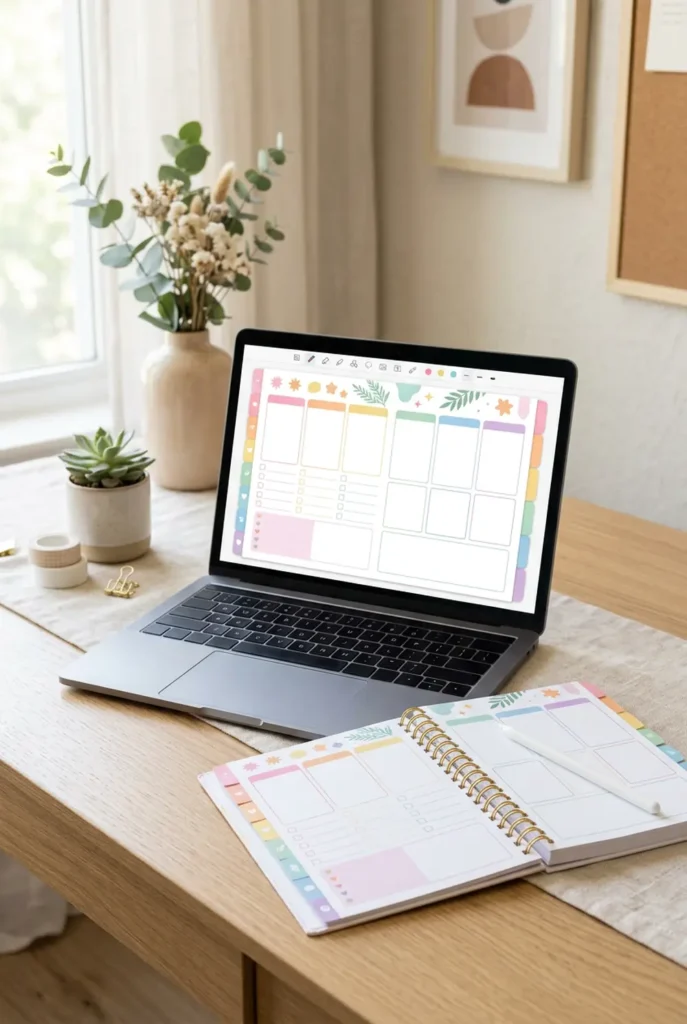
17. Selling Digital Templates You Build Once
Every skill on this list can become a product. A tidy budget spreadsheet, a content calendar, an invoice template, or a client tracker can be built once and sold again and again on Etsy or Gumroad. Start with a tool you already know, make the template genuinely useful, and include simple instructions. This route grows slowly, but each finished template keeps working while you take on client jobs.
Conclusion
Seventeen ideas is a lot, so choose just one that matches the tech you already enjoy using. Learn it properly with free lessons, practise on a small project of your own, then offer it to one real client at a fair beginner price. Small, finished jobs build reviews, confidence, and word of mouth far better than half learning five skills at once. Each finished job also teaches you what clients actually need, which points you toward your next service.
If selling digital products sounds like your route, grab the free Etsy start guide at sidehustleautopilot.com. It walks you through opening a shop and listing your first template in plain, simple steps. It is free, friendly, and made for complete beginners, so you can start today without spending anything or feeling rushed. Pick your favourite idea from this list, give it a weekend of focused practice, and let your tech side hustle grow from there.